You haven't signed in yet, you can have a better experience after signing in
*Please complete the payment within {{receiveCouponInfo.expire_at}}Previous use*
You haven't signed in yet, you can have a better experience after signing in


Activity Rules
1、Activity time:{{ info.groupon.start_at }} ~ {{ info.groupon.end_at }}。
1、Activity time:cease when sold out。
2、Validity period of the Group Buying:{{ info.groupon.expire_days * 24 }} hours。
3、Number of Group Buying:{{ info.groupon.need_count }}x。
Please Pay Attention
1、Teamwork process: Join/initiate a Group Buying and make a successful payment - Within the validity period, the number of team members meets the activity requirements - Group Buying succeeded!
2、If the number of participants cannot be met within the valid period, the group will fail, and the paid amount will be refunded in the original way.
3、The number of people required and the time of the event may vary among different products. Please pay attention to the rules of the event.

The best SUBST alternative with tag, recycle bin, UAC support, and mounting virtual drives
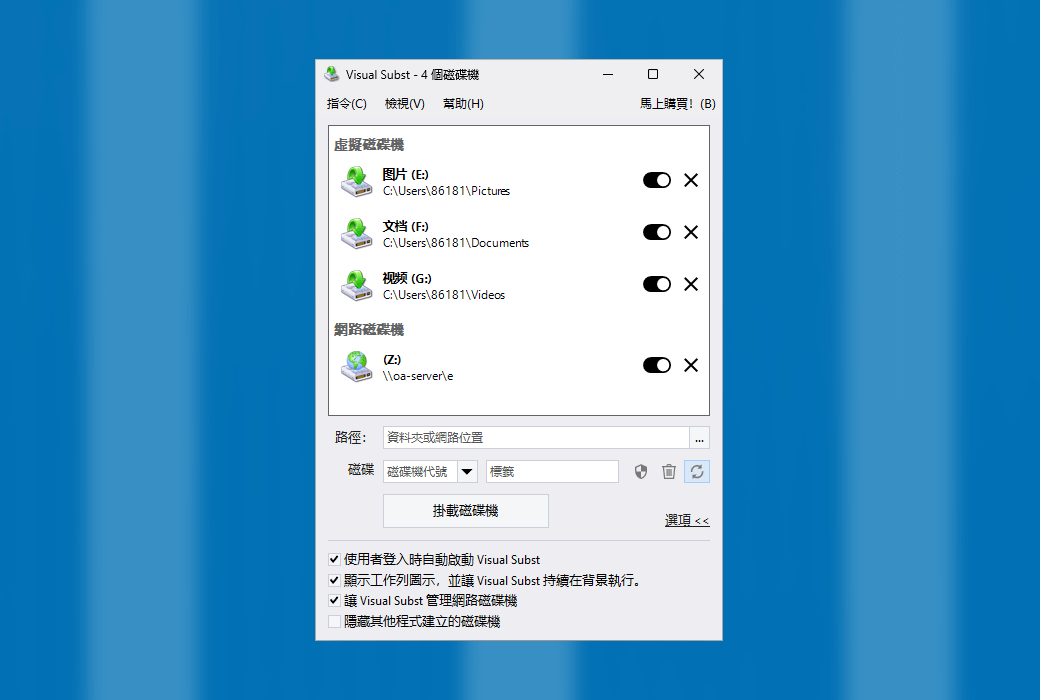
Visual Subset provides you with a clean, simple, and interference free user interface where you can manage all virtual and network drives at once. It solves four main issues with the built-in "SUBST" and "NET USE" commands: enabling editable drive labels, creating UAC drives for elevated applications, managing the recycle bin for deleted items, and restoring virtual drives after reboot.
You can use virtual drives anywhere - simply use a single drive letter to easily access files in the project directory you are currently working on. Download the visual entity immediately and try it yourself!
Map Google Drive, OneDrive, or Dropbox to a virtual drive
Despite having the same name, all three services only create a shared folder on your PC, not the actual drive. Visual Subset is the simplest solution to map these shared folders into virtual drives with custom labels and drive letters, so that you can access files more conveniently.
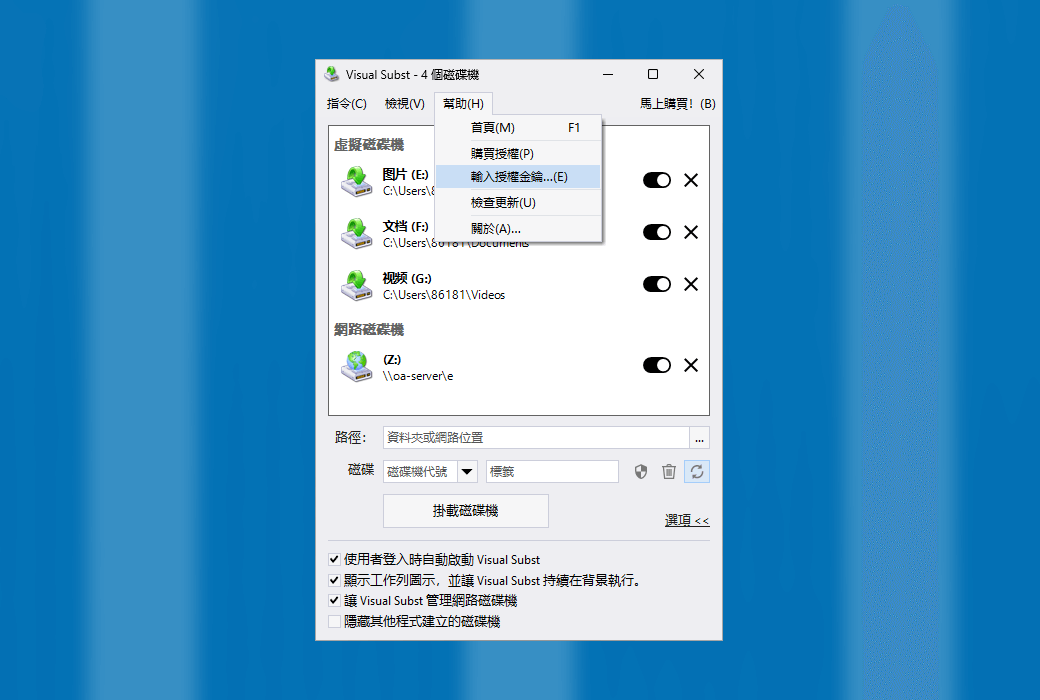
Add the shared folder to Visual Subset to create a virtual drive:
Why use Visual Subset?
Any experienced PC user can easily write batch files or scripts to create virtual drives using the built-in "SUBST" or "NET USE" commands and run them at startup. However, this method has some significant limitations under modern Windows operating systems. This is where the essence of vision comes into play!
Virtual Drive Label
Firstly, you cannot define virtual drive labels using built-in commands, nor can you edit them in Windows Explorer. For virtual drives created using 'SUBST', Windows always uses the label of the source path drive unless you use a visual Subset to solve this problem for you.
Visual Subset allows you to easily define and edit virtual drive labels in a semi-automatic manner, using folder names as labels for newly created drives by default.
Recycle Bin for Virtual Drives
If you have ever tried to delete files or folders from a virtual drive created using built-in commands, you will know that it always comes with a message asking you to permanently delete them.
UAC driver for elevated applications
Virtual drives created using the 'SUBST' command are not visible to elevated applications. For example, if you run the command prompt as an administrator and attempt to use a virtual drive created using a non elevated batch file, you will see that the drive does not exist for elevated processes.
Using Visual Content Management Network Drive
Network drives created using Visual Subset appear as regular network drives in Windows Explorer, but you can enable the "UAC Drive" and "Recycle Bin" features in the same way as virtual drives.
Enable/disable virtual drives as needed
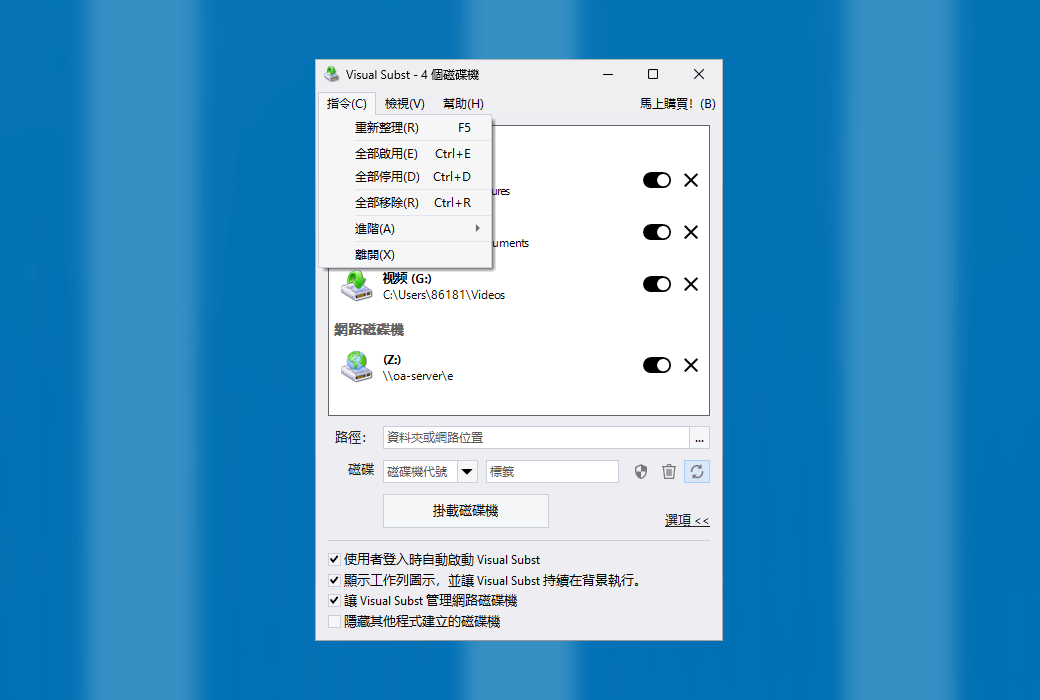
With Visual Subset, you can easily disable virtual drives that are currently not needed, and then enable them again with just one click. You can also disable or enable all drives at once from the context menu.
Official Website:https://www.ntwind.com/software/visual-subst.html
Download Center:https://visual-subst.apsgo.cn
Delivery Time: processed manually online
Operating Platform: Windows
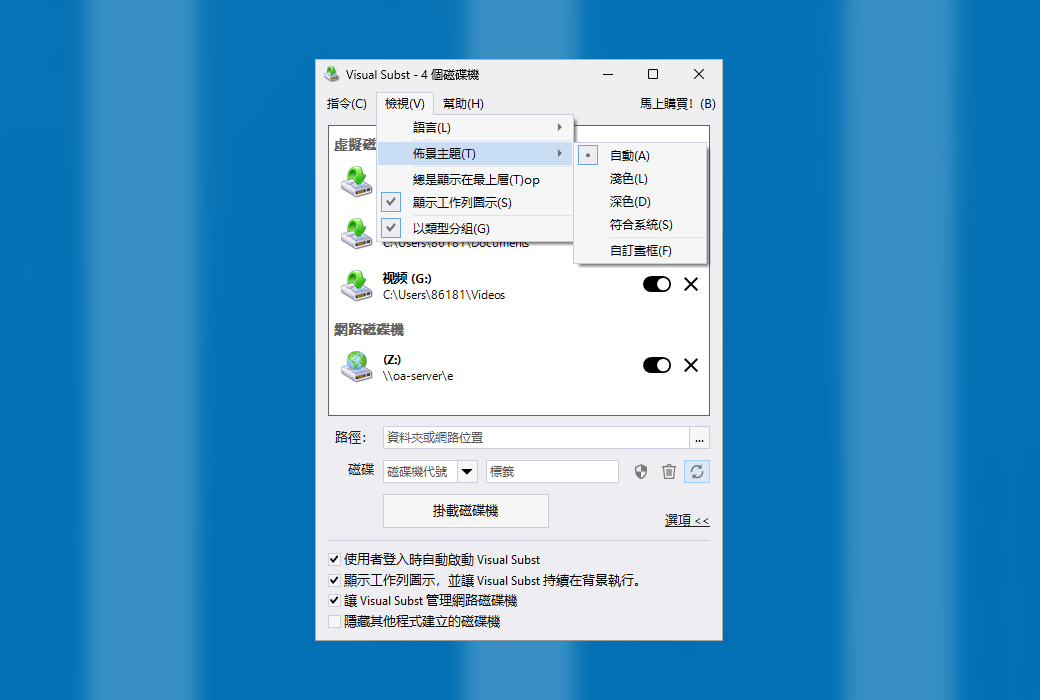
Interface Language: supports Traditional Chinese interface display, with multiple languages available.
Update Instructions: The manufacturer promises lifetime updates and upgrades for one-time purchase.
Trial Before Purchase: free trial available before purchase.
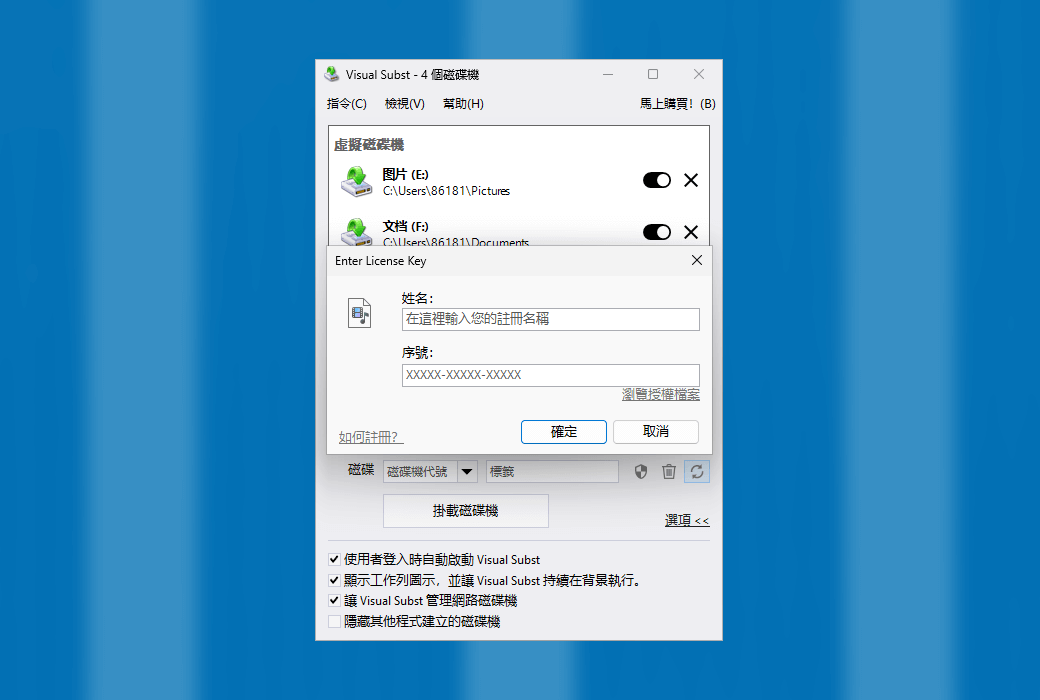
How to Receive the Product: After purchase, activation information will be sent to the email used for placing the order, and the corresponding product activation code can be viewed in the personal center, under "My Orders".
Number of Devices: can be installed on 1/3 computers, depending on the purchased license.
Changing Computers: uninstall on the original computer and activate on the new computer.
Activation Guide: to be added.
Special Instructions: to be added.
References:https://www.ntwind.com/software/visual-subst/register.html

Any question